



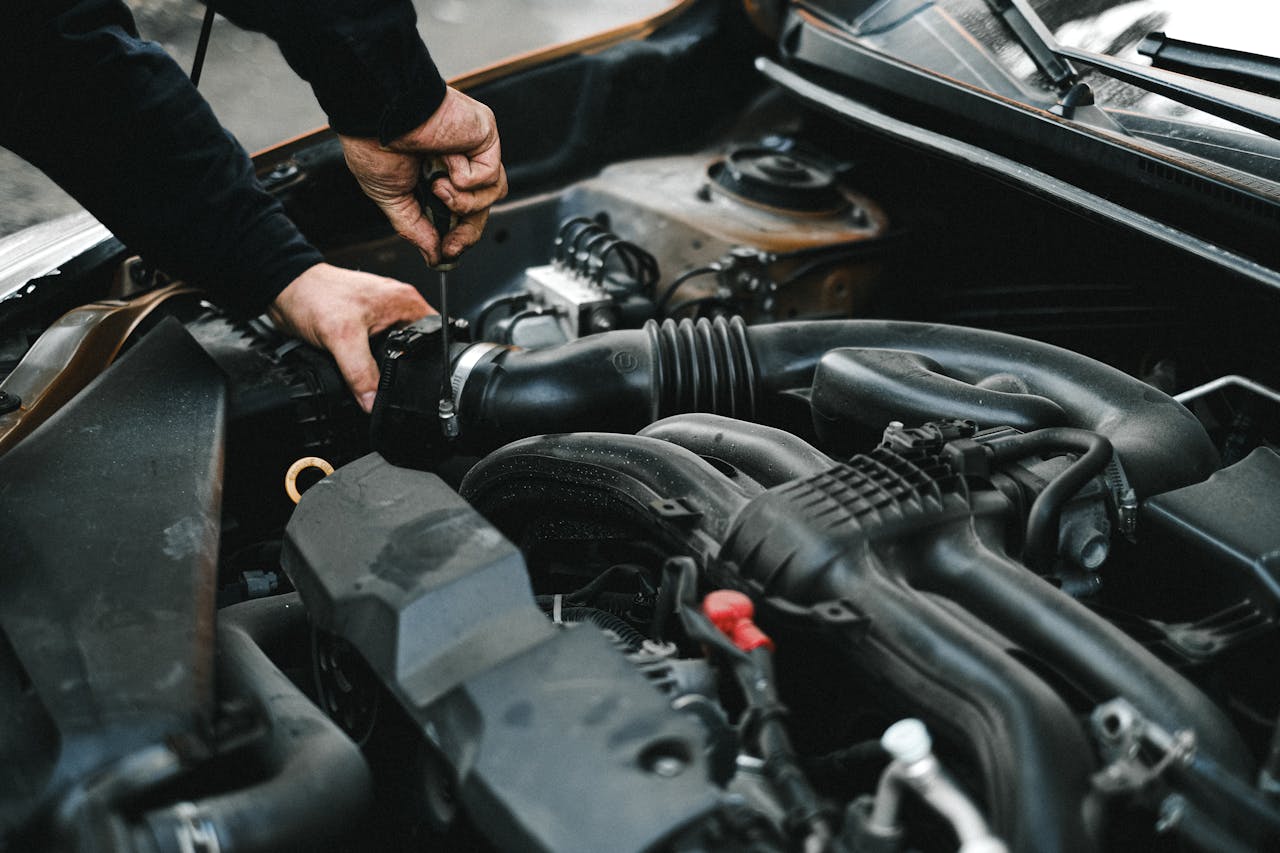
A car battery is like your vehicle’s heart. Without a strong one, your car won’t start, and you’re left stranded, making plans change rapidly. For Hyundai owners, keeping an eye on your battery’s health is crucial to avoiding those frustrating situations. Battery replacement isn’t a rare task; it’s something every driver faces eventually. But the good news is, with the right knowledge and steps, it doesn’t have to be a hassle.
The process of battery replacement can be straightforward when you know what to look out for and how to prepare. Understanding these steps can save you time and possibly a trip to an expert, although sometimes that’s the best option. Here, we’ll cover what needs to be done when a battery replacement is in your near future, so you’re ready when the time comes.
Signs Your Hyundai Battery Needs Replacement
Recognizing the signs of a failing battery can mean the difference between a smooth commute and being stuck at home. Here are some common indicators that your Hyundai might need a new battery soon:
- Slow Engine Crank: If your engine takes longer to start than usual, this might be a telling sign. A healthy battery will crank up your engine quickly, so a change in this behavior should raise some red flags.
- Dim Headlights: Dimming headlights can indicate a weak battery. Since your car’s electronic systems rely on the battery, lights that are fading or flickering are pointers to its deteriorating health.
- Electrical Issues: Radio and power windows behaving erratically? These odd behaviors often point to battery troubles. Pay close attention if your Hyundai’s electronic features aren’t as responsive as they should be.
Although these are general signs, it’s important to consider specifics for Hyundai models you own. Cars may react differently based on their age and technology, such as the advanced systems in some newer models. So being familiar with these nuances can help you pinpoint the problem faster.
Preparing for a Battery Replacement
Before moving to the actual replacement process, preparing thoroughly is key to ensuring smooth execution. Here are some steps you should take:
1. Gather Your Tools: Make sure you have the necessary tools on hand, including protective gloves, safety glasses, and a socket wrench. This will make the process efficient and safe.
2. Choose a Safe Location: Ensure your car is parked on a flat, stable surface. This is important for both your safety and the vehicle.
3. Disconnect Safely: Begin by switching off the ignition and unplugging any additional electronics, like a phone charger from your car. It’s also wise to release the hood support and secure it properly to avoid injuries.
4. Double-Check Battery Compatibility: Make sure that the replacement is compatible with your Hyundai model to prevent any further issues.
Taking these steps prepares you for an efficient and safer battery replacement. As you go through this, keep in mind potential mishaps and take precautions—like setting the parking brake—to stay secure during this procedure.
Steps to Replace Your Hyundai’s Battery
Replacing your Hyundai’s battery is a straightforward process, provided you take it step by step. Here’s how you can do it securely and effectively:
1. Locate the Battery: Pop the hood and find the battery. It’s typically a rectangular block with two cables attached, marking the positive and negative terminals.
2. Disconnect the Battery: Begin by loosening the nut on the negative terminal with a wrench. Remove the cable, and then do the same with the positive terminal. Keeping the cables separate avoids accidental electrical contact.
3. Remove the Battery: Carefully take out the battery from its housing. Remember, it’s heavier than it looks, so lift with caution.
4. Insert the New Battery: Place the new battery into the housing. Align it properly with the terminals facing the correct direction.
5. Reconnect the Terminals: Attach the positive cable first, followed by the negative. Secure the clamps and tighten the nuts to ensure a solid connection.
6. Test the New Battery: Once everything is connected, start your car to ensure the new battery is working as expected.
For Hyundai models, it’s vital to check for any specific requirements in the owner’s manual, which might include dealing with electronic settings or reprogramming the radio stations. Following these instructions precisely can make the process seamless and save you trouble down the line.
Why Professional Replacement May Be Best
While replacing a battery yourself can seem tempting, there are clear advantages to seeking professional help. Mechanics have the training to spot additional issues that might not be visible to untrained eyes. They can also handle and dispose of the old battery safely, as it’s considered hazardous waste.
Professionals are equipped to address any unexpected complications, such as corrosion or wiring issues, which are best resolved with professional expertise. This ensures that your vehicle remains in prime working condition without facing unnecessary risks.
Stay Powered Up in Suffolk County
Maintaining a reliable car battery keeps your Hyundai ready for all of life’s journeys. Staying informed about the signs of battery trouble and knowing how to prepare for and conduct a replacement can prevent headaches.
By being proactive with your vehicle’s maintenance, you not only extend the life of your battery but also ensure that your car is ready to go whenever you are. Keeping up with these tasks might feel tedious, but the peace of mind on a daily drive is certainly worth it.
Keep your Hyundai running smoothly in Suffolk County by tackling battery issues before they become a headache. For those who prefer expert handling, trust Riverhead Hyundai for dependable service and support. To learn more about how we can help, explore our Hyundai Battery Replacement in Suffolk County. Your vehicle deserves the best care to stay ready for every journey.
Connect with us


Riverhead Hyundai
Address
1800 Old Country Road
Riverhead, NY 11901
Phone
- Sales 888-498-5441
- Service 888-493-9931
| Monday | 9:00AM - 8:00PM |
| Tuesday | 9:00AM - 8:00PM |
| Wednesday | 9:00AM - 8:00PM |
| Thursday | 9:00AM - 8:00PM |
| Friday | 9:00AM - 8:00PM |
| Saturday | 9:00AM - 6:00PM |
| Sunday | 11:00AM - 5:00PM |
| Monday | 8:00AM - 4:30PM |
| Tuesday | 8:00AM - 4:30PM |
| Wednesday | 8:00AM - 4:30PM |
| Thursday | 8:00AM - 4:30PM |
| Friday | 8:00AM - 4:30PM |
| Saturday | 8:00AM - 4:30PM |
| Sunday | Closed |
| you break it we fix it | |
| Monday | 8:00AM - 4:30PM |
| Tuesday | 8:00AM - 4:30PM |
| Wednesday | 8:00AM - 4:30PM |
| Thursday | 8:00AM - 4:30PM |
| Friday | 8:00AM - 4:30PM |
| Saturday | 8:00AM - 4:30PM |
| Sunday | Closed |