



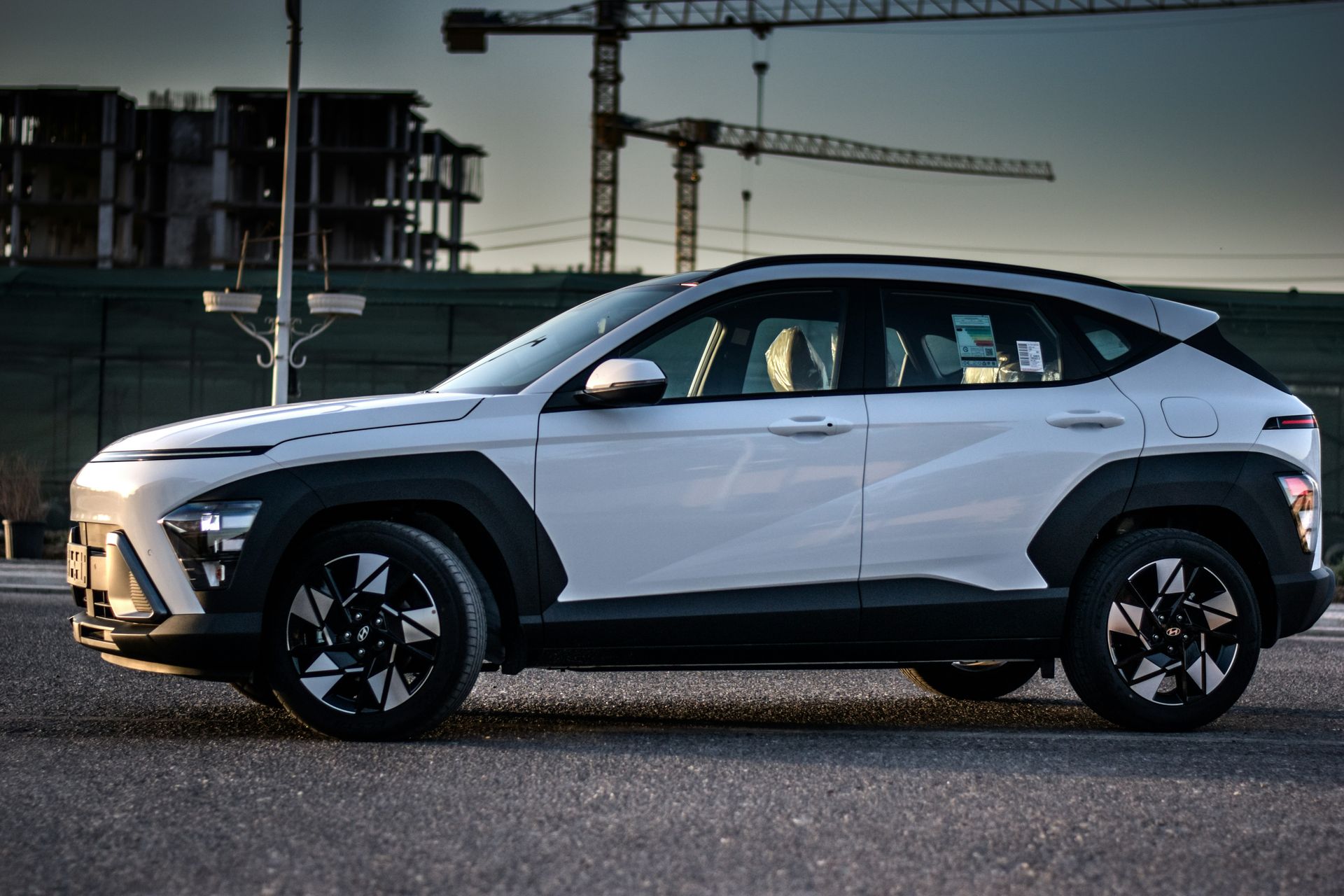
Hidden Hyundai Safety Tech That Protects Riverhead Drivers
Hyundai packs a lot of smart safety tools into its vehicles, but many drivers on Long Island never use half of them. The buttons are there, the alerts are ready, yet features stay off or ignored on busy commutes and weekend drives. That is a missed chance to add one more layer of protection for you and everyone riding with you.
Between crowded Route 58, tight downtown Riverhead parking lots, and long stretches of Sunrise Highway and the LIE, small safety boosts can make a big difference. Many modern Hyundai models include safety features that quietly work in the background, helping you avoid trouble in very normal, everyday moments. Our goal is to walk through some of these Hyundai safety features in Riverhead and explain what they do, how they help, and what many drivers get wrong about them.
Around our store, we often meet drivers who are surprised to learn what their Hyundai can already do. A quick setting change or a better understanding of one warning tone can make your daily drive feel calmer and more controlled. Learning these tools now can help keep your family safer through summer road trips and during your regular errands all year long.
Smart Cruise Control Basics You Might Be Missing
Smart Cruise Control with Stop & Go goes beyond old-school cruise control. Instead of simply holding one speed, it can help you:
- Keep a set distance from the vehicle ahead
- Automatically slow down when traffic slows
- Come to a complete stop in heavy traffic, then get moving again
This is especially helpful on Sunrise Highway or the LIE, where traffic can swing from smooth to stop-and-go in a few minutes. Many owners switch Smart Cruise Control on once, then never touch the follow-distance setting again. That distance button matters. A longer gap may feel better in heavy traffic, while a shorter one can feel more natural when traffic is steady.
Common things people overlook include:
- Not noticing the green cruise icon that shows the system is actually active
- Ignoring the beeps that warn when the car in front has moved again
- Forgetting that you still need your hands on the wheel and your eyes on the road
On long summer drives out toward the Hamptons or Montauk, Smart Cruise Control can cut down on fatigue. Your Hyundai helps with the constant speeding up and slowing down, so you can focus more on what is happening around you instead of babysitting the gas pedal every second.
Blind-Spot and Rear Cross-Traffic Alerts in Daily Use
Most drivers know the small orange or red icon in the side mirror that lights up when a vehicle is in your blind spot. Hyundai takes that a step further with Blind-Spot Collision-Avoidance Assist on many models. In some situations, the system can:
- Warn you if a vehicle is in your blind spot
- Give a stronger alert if you signal to change lanes into that space
- Apply gentle braking on one side to help pull you back if a collision risk is detected
That extra little tug on the wheel can help when someone hangs out just off your rear quarter panel on Route 25 or Route 58.
Rear Cross-Traffic Collision-Avoidance Assist helps when you are backing out of a tight spot at a shopping center, near the beach, or on a side street. It does more than just beep at things directly behind you. It can:
- Watch for vehicles crossing behind you from the left or right
- Warn you with louder, more urgent tones
- Help apply the brakes if it senses a likely collision
Many drivers turn these alerts down because they feel “too noisy” at first. Instead of shutting them off, set them up so they work well for you:
- Adjust the alert volume in the settings menu, not just on the radio
- Take a minute parked at home to learn which tones match which warning
- Watch the dashboard icons so you can connect each sound to a symbol
Once you know what each beep and symbol means, the system feels helpful instead of annoying, especially in crowded summer parking areas.
How Lane Keeping Systems Really Help on Long Island Roads
Hyundai offers two related steering support systems that many owners mix up: Lane Keeping Assist and Lane Following Assist. They sound similar, but they are not the same thing.
Lane Keeping Assist usually:
- Watches for lane markings on the road
- Warns you if you start to drift over a line without signaling
- Can give a light steering correction to help nudge you back
Lane Following Assist adds another layer by helping keep your Hyundai more centered between the lines. It can be especially helpful on long, straight stretches of highway or open county roads when your focus starts to fade a bit.
Some key points many drivers miss:
- These systems are not self-driving. You must always steer and stay alert.
- They may turn off if lane lines are faded, covered by water, or blocked by cones
- A steering wheel icon in the cluster usually lights up when active, and may change color if the system loses the lane
On late-night drives home after beach days or weekend events, these lane systems can help you stay steadier in your lane. They are not a replacement for rest, but they can cut down on little drifts that happen when you are tired or when the road is straight and quiet for miles.
Unlocking the Power of Forward Collision and Parking Aids
Forward Collision-Avoidance Assist is one of the most important safety tools many drivers forget they even have. Using sensors and, on many models, a front camera, it can:
- Warn you if you are closing in too fast on a vehicle ahead
- Recognize pedestrians and, on some models, cyclists in your path
- Apply braking support if you do not react in time
Around Riverhead, this helps in very normal places: a sudden stop at a busy intersection, a surprise slowdown near a shopping center, or a car that cuts in front of you on a main road. The system is not perfect, and it does not replace your judgment, but it can help buy you a split second when you need it most.
Parking aids are another group of features that many owners barely touch. Depending on your Hyundai, you might have:
- Parking Distance Warning with beeps that speed up as you get close to obstacles
- Rear or front sensors that help in tight parallel spots or crowded lots
- A Surround View Monitor that gives a bird’s-eye-style view around the vehicle
These tools really shine in packed summer parking areas near beaches, parks, and events where space is tight and sightlines are poor. Taking an extra few seconds to glance at the camera views and listen to the beeps can prevent small but frustrating low-speed bumps.
Connecting Hyundai Safety Tech with Everyday Driving Habits
Safety tech does the most good when it fits your real driving habits. That starts with knowing what your Hyundai actually has. A simple first step is to sit in your driveway with the owner’s manual and:
- Scroll through the vehicle settings menu
- Turn on key safety features you want to use every day
- Adjust alert volumes and sensitivity to match your comfort level
If you share your Hyundai with other drivers, like a partner or teen driver, take a few minutes together to review how the alerts sound and look. Some models let you set driver profiles, which can help keep settings consistent for each person.
Building a simple routine makes a difference on longer trips:
- Before a big drive, check that Smart Cruise Control, lane systems, and collision alerts are all turned on
- Make sure cameras are clean so parking and collision systems can “see” clearly
- Talk through the main warnings with any new drivers in the household
At Riverhead Hyundai, we see every day how much calmer drivers feel once they understand the safety tools already built into their vehicles. When you know what each system does, what the alerts mean, and when the features are active, your Hyundai becomes a stronger partner on every drive across Riverhead and the rest of Suffolk County.
Explore Advanced Protection On Your Next Hyundai
If you are ready to see how modern technology can help keep you and your passengers safer, we invite you to explore the latest Hyundai safety features in Riverhead. At Riverhead Hyundai, our team is here to walk you through key systems, answer your questions, and help you compare options across models. Reach out to our specialists to schedule a test drive or get more information by contacting us so we can help you choose the right level of protection for your daily driving.
Connect with us


- July 2026
- June 2026
- May 2026
- April 2026
- March 2026
- February 2026
- January 2026
- December 2025
- November 2025
- October 2025
- September 2025
- August 2025
- July 2025
- June 2025
- May 2025
- April 2025
- March 2025
- February 2025
- January 2025
- December 2024
- November 2024
- October 2024
- September 2024
- August 2024
- July 2024
- June 2024
Archives
Riverhead Hyundai

Address
1800 Old Country Road
Riverhead, NY 11901
Phone
- Sales 888-498-5441
- Service 888-493-9931
| Monday | 9:00AM - 8:00PM |
| Tuesday | 9:00AM - 8:00PM |
| Wednesday | 9:00AM - 8:00PM |
| Thursday | 9:00AM - 8:00PM |
| Friday | 9:00AM - 8:00PM |
| Saturday | 9:00AM - 6:00PM |
| Sunday | 11:00AM - 5:00PM |
| Monday | 8:00AM - 4:30PM |
| Tuesday | 8:00AM - 4:30PM |
| Wednesday | 8:00AM - 4:30PM |
| Thursday | 8:00AM - 4:30PM |
| Friday | 8:00AM - 4:30PM |
| Saturday | 8:00AM - 4:30PM |
| Sunday | Closed |
| you break it we fix it | |
| Monday | 8:00AM - 4:30PM |
| Tuesday | 8:00AM - 4:30PM |
| Wednesday | 8:00AM - 4:30PM |
| Thursday | 8:00AM - 4:30PM |
| Friday | 8:00AM - 4:30PM |
| Saturday | 8:00AM - 4:30PM |
| Sunday | Closed |